
A voice AI agent can sound smooth in a browser demo and still stumble on a real phone line.
Phone calls add network hops, varied audio quality and callers who talk over the agent, so the way you connect it to telephony shapes how natural every call feels.
No single setup fits every team.
Some teams want one platform that handles everything, while others prefer to plug their own models into the phone system they already have.
This guide walks through 7 ways to run real-time voice AI agents over telephony, then looks at 3 providers that pair voice AI agents with phone connectivity.
TL;DR
- How you connect an agent to phone lines affects delay, call control and how much you manage yourself.
- SIP links many of these setups, from your own agent stack to hosted platforms and contact centers.
- WebSocket streaming is quick to prototype, while SIP and WebRTC give you more control over the call.
- Telnyx, Twilio and Plivo each pair voice AI agents with phone connectivity in a different way.
7 Ways to Run Realtime Voice AI Agents Over Telephony
1. Use a Full-Stack Voice AI Platform on a Carrier Network
Here, one provider runs the phone numbers, call routing, speech recognition, language model and voice output together. With fewer hand-offs between vendors, there's one team to contact when something breaks. This route suits teams that would rather not combine services from several vendors.
2. Connect Your Own Agent Stack Through SIP Trunking
SIP trunking links phone numbers on the public phone network to your own voice AI system over the internet. Calls reach your agent as standard SIP sessions, and you pick the speech, LLM and voice tools behind it. Some agent frameworks accept calls from third-party SIP providers, so you can work with the SIP provider you choose.
3. Stream Call Audio to Your Agent Over WebSockets
With media streaming, your telephony provider forks the live call audio and sends it to your server over a WebSocket. Your agent listens, decides what to say and sends audio back, while the provider keeps handling the call itself. It's a quick way to test simple inbound and outbound calling.
4. Use a Hosted Voice Agent Platform With Your Own Numbers
Hosted platforms let you build the agent in their tools, then point your existing phone numbers at it. One recommended method, if your provider supports it, is elastic SIP trunking: you set up a trunk, route your number to it and import that number into the platform. Your numbers and carrier stay in place while the platform runs the AI side.
5. Connect a Speech-to-Speech Model Directly Over SIP
Some real-time speech models can answer phone calls directly through SIP. Calls arrive from a provider's SIP trunk, and audio travels straight between the provider and the model, protected by TLS signaling and SRTP encryption. Your backend still decides whether to accept each call and handles the business logic.
6. Bridge Web and App Calls to Phone Lines With WebRTC
WebRTC brings voice calling into browsers and mobile apps, and it can connect those sessions to the regular phone network. That lets callers reach an agent from a web page or app as well as from a phone. WebRTC is designed to cope with changing network conditions, and it gives you finer call control than a basic WebSocket stream.
7. Add AI Agents to Your Existing Contact Center or PBX
If you already run a contact center or PBX, you can connect voice AI to it instead of replacing it. SIP connections work with legacy call centers and support warm transfers, call forwarding and multi-party calls, so the agent can pass callers to human staff.
3 Voice AI Agent Providers With Built-In Telephony
| Telnyx | Twilio | Plivo | |
|---|---|---|---|
| Voice AI Product | Voice AI Agents | ConversationRelay | AI Agents |
| How You Build | Full stack, plus SIP, streaming and WebRTC | WebSocket API with the LLM you choose | No-code studio or code, plus SIP and audio streaming |
| Phone Network | Private global network with licenses in 45+ countries | Super Network with carrier redundancies in 100+ countries | Numbers in 50+ countries, calls to 190+ |
Telnyx
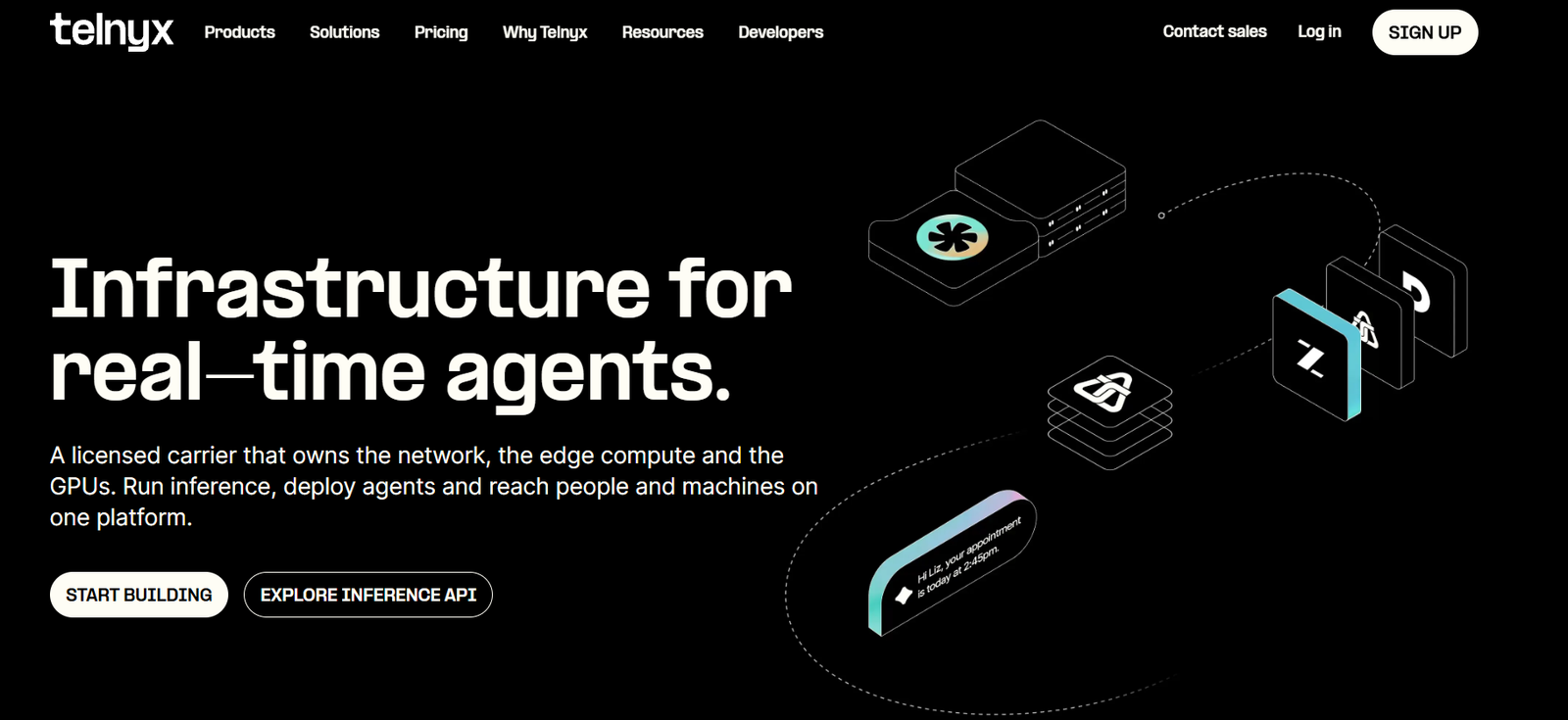
The company holds carrier licenses in 45+ countries, and Telnyx Voice AI agents run on its private global network, combining telephony, speech-to-text, LLMs and text-to-speech. It also offers SIP trunking, media streaming over WebSockets and WebRTC SDKs, so teams can use it for several of the ways above. Telnyx says its agents respond in under 200ms.
Twilio
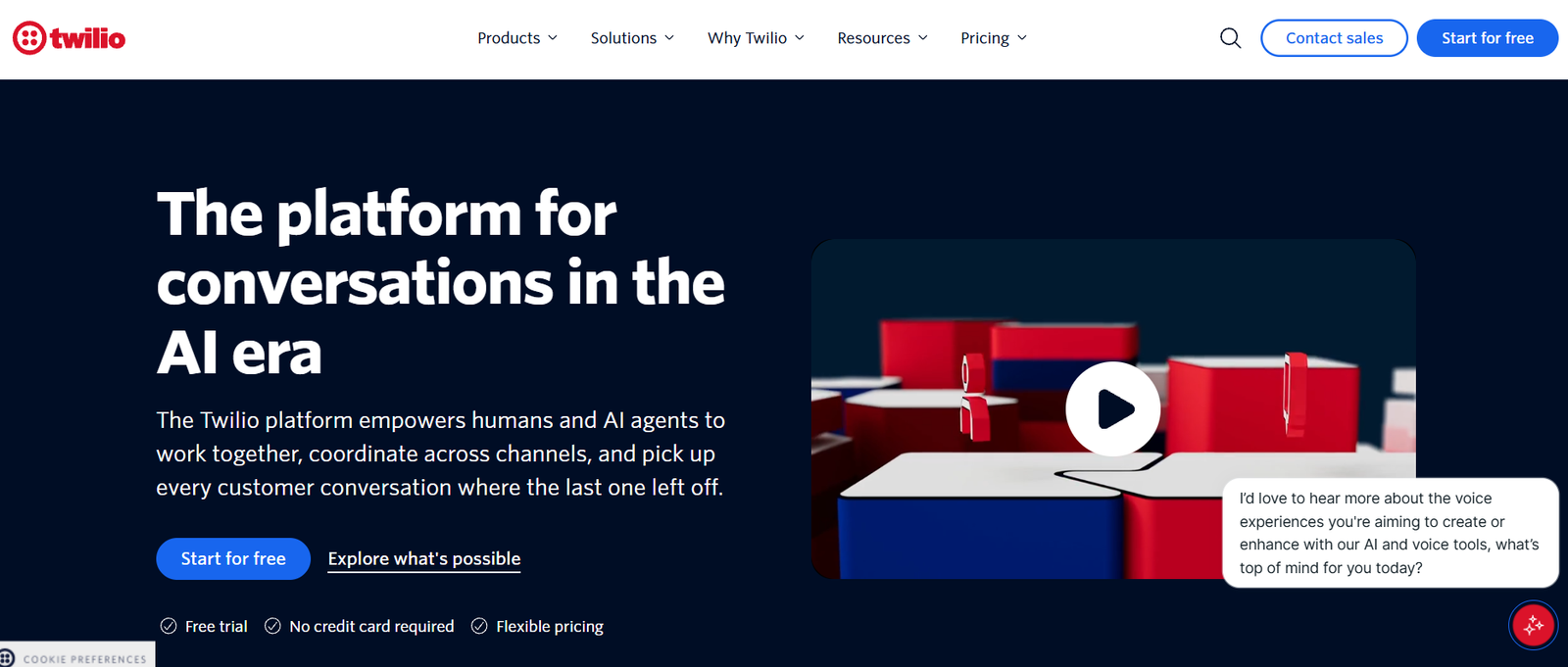
Twilio's ConversationRelay combines speech recognition and voice output with whichever AI model you pick, managed through a WebSocket API. You can bring your own LLM, and the agent can hand complex calls to a live person. Twilio Voice runs on the Twilio Super Network, and Twilio says median latency stays under half a second in its internal benchmarks.
Plivo
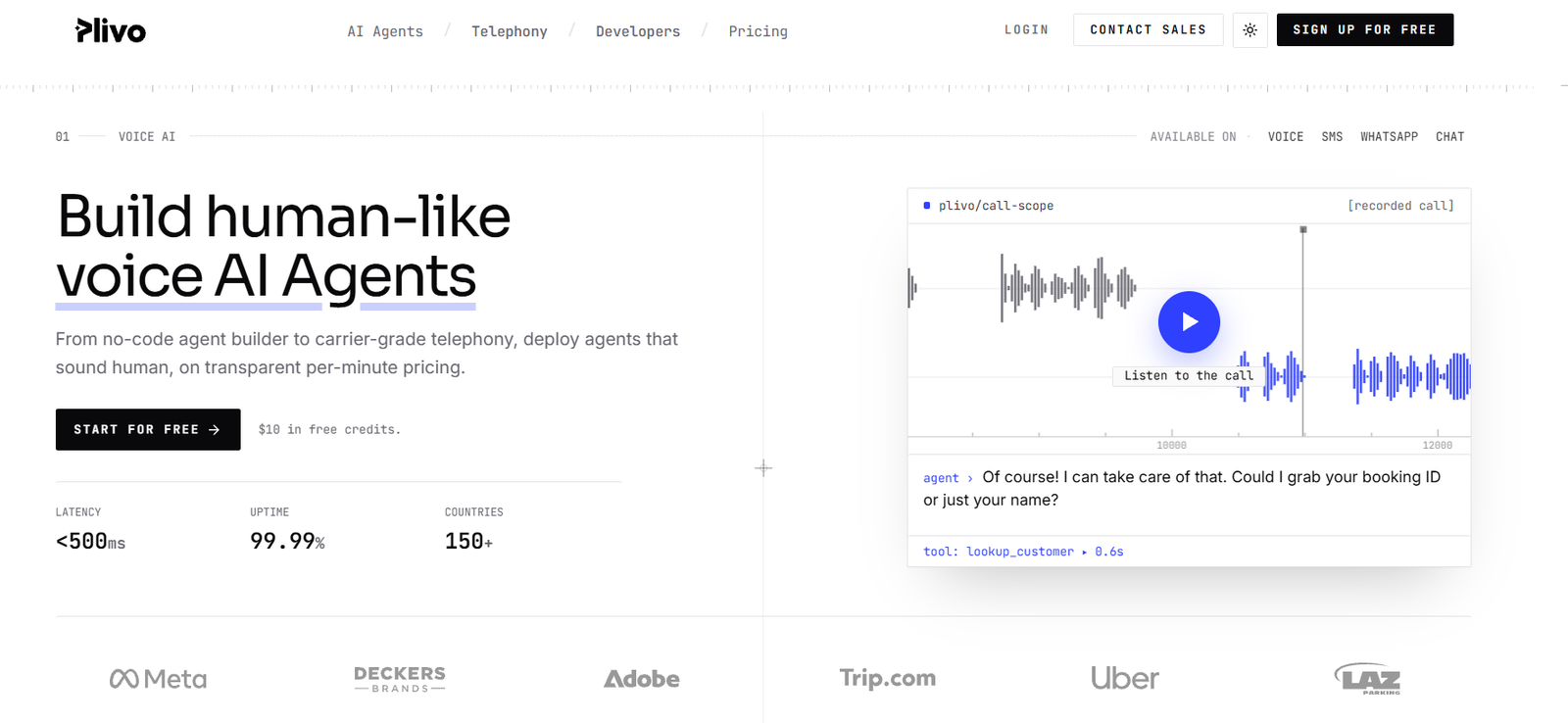
Plivo lets teams build voice agents in a no-code studio or in code, including bringing a LiveKit or Pipecat agent over SIP trunking or audio streaming. It offers local, toll-free and mobile numbers in 50+ countries for inbound calls and reaches callers in 190+ countries. Plivo says its telephony is carrier-grade, with latency under 500ms.
Conclusion
The right way to run a voice AI agent over telephony depends on how much of the stack you want to own.
A full platform keeps everything with one provider, while SIP, streaming and WebRTC give you more room to shape each piece.
So, you can start with the setup that matches your team today, test it on real calls and listen for delay and dropped turns.
As call volumes grow, you can move toward more control without starting from scratch.
