
You do not need animation or editing experience to create a kids’ story video. AI can divide a script into scenes, generate consistent characters, add narration, and match the visuals with music and sound effects. Monetization still depends on your creative input. YouTube looks for original, coherent videos that offer real entertainment or educational value, so publishing large batches of generic stories is unlikely to build a lasting channel.
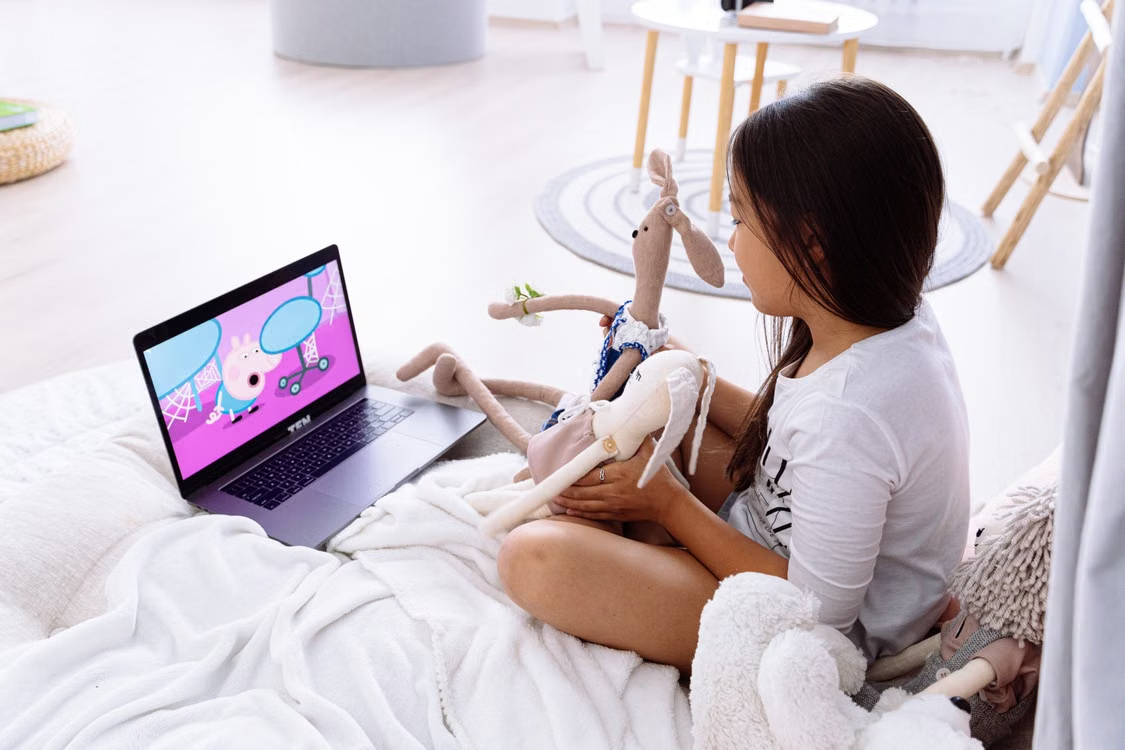
1. Choose One Audience and Story Format
Decide the age group before writing. A story for preschoolers needs simple vocabulary and short scenes. Older children can follow longer dialogue, more characters, and a less direct lesson.
Choose a format that can support several distinct episodes. Useful options include bedtime fables, simple mysteries, animal adventures, and history tales. A narrow format helps viewers understand the channel, so they are more likely to stay.
2. Write an Original Script With a Clear Arc
A five-minute episode can follow this structure:
- Introduce the character and setting.
- Present one understandable problem.
- Show two attempts to solve it.
- Let the character learn or notice something useful.
- Resolve the problem through that lesson.
Write actions that can be shown on screen. “Milo felt worried” gives the video little visual direction. “Milo stepped back from the dark cave and held his lantern with both paws” tells AI what the character does and how the moment should look.
3. Turn the Script Into a Video
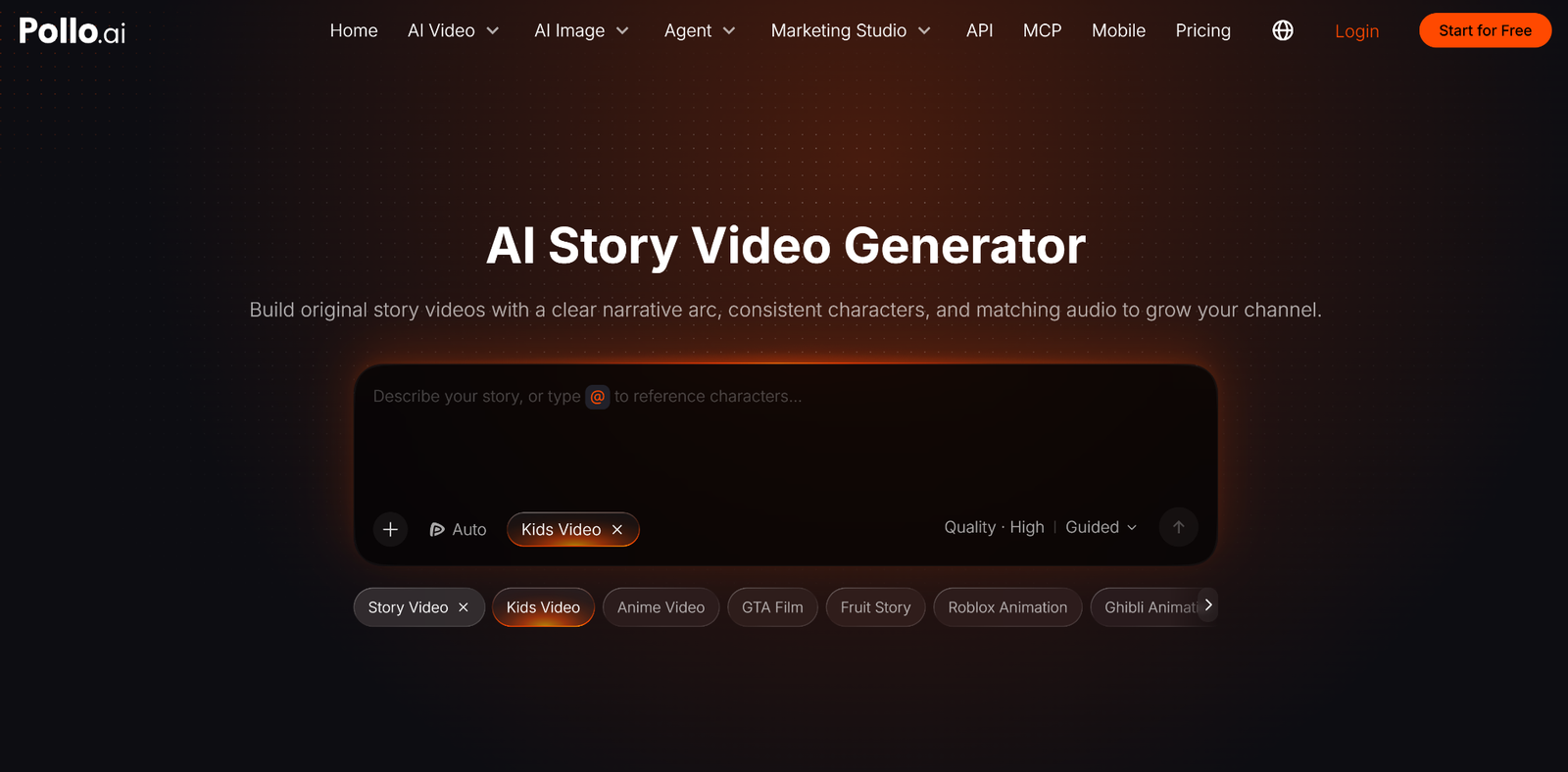
An AI story video generator can take your script or basic idea and build it into a sequence of connected scenes. You can define the character’s appearance, choose an art style, guide the pacing, and generate a video with narration, music, and sound effects.
Give the tool a practical brief alongside the script:
Create a five-minute story for children aged five to seven. Use colorful 3D cartoon visuals. Keep Milo’s yellow raincoat, brown fur, and green backpack consistent in every scene. Use warm narration, gentle background music, and clear sound effects.
Pollo AI works well for long-form stories, character consistency, automatic scene splitting, narration, and matching audio. This gives it broader story-production capabilities than tools focused mainly on short effects and isolated clips, such as JoyFun AI. JoyFun AI can create brief animated moments, while Pollo AI is better suited to episodes that need connected scenes and a complete narrative arc.
4. Review Every Scene Before Publishing
AI can reduce production time, but it can also introduce visual and narrative mistakes. Watch the complete video and check whether the story remains easy to follow.
Confirm that recurring characters keep the same face, clothing, colors, and size. Make sure each location looks connected across nearby shots. Remove scenes where the action conflicts with the narration or where a character suddenly changes appearance.
Listen to the audio separately. The narration should be clear and correctly pronounced. Music must remain below the voice. Sound effects should explain actions rather than compete for attention.
Check the pacing from a child’s perspective. Shorten pauses where nothing changes, remove repeated explanations, and give important emotional moments enough time to register.
5. Make Each Episode Clearly Original
YouTube reviews channels for mass-produced and repetitive content. Reusing the same characters, opening, and general visual style is acceptable when each episode offers a distinct plot, setting, conflict, and lesson.
Avoid changing only the character name or background while keeping the same story structure and outcome. Do not upload simple image slideshows with automated narration and minimal movement. Videos assembled from unrelated AI clips can also appear confusing and low quality.
Add creative decisions that make your authorship clear. Develop recognizable characters, write original dialogue, create specific conflicts, and give each episode a satisfying beginning, middle, and end.
Children’s content receives extra quality checks. Stories should be understandable, safe, age-appropriate, and honest about anything presented as educational. Avoid misleading lessons, excessive product promotion, disturbing situations, and familiar children’s characters placed in inappropriate scenes.
6. Prepare the Title and Thumbnail
A title should tell parents and children what the story is about. Use the character, conflict, or lesson instead of filling the title with broad keywords.
“Kids Story About Kindness” provides little reason to click. “Milo and the Lost Lunchbox: A Story About Telling the Truth” introduces a character, a problem, and a lesson.
The thumbnail should focus on one clear moment. Show the main character, the central object or problem, and an expression that matches the story. Keep the background simple enough to remain readable on a phone. Avoid misleading danger or exaggerated distress that never appears in the episode.
Create a consistent thumbnail system across the channel, using the same character treatment, type style, and general layout. Change the scene and emotion for each story so the episodes remain easy to distinguish.
7. Build Toward YouTube Monetization
For full advertising revenue through the YouTube Partner Program, a channel generally needs 1,000 subscribers and either 4,000 qualified public watch hours within 12 months or 10 million qualified Shorts views within 90 days.
Meeting the threshold leads to a review rather than automatic approval. YouTube examines the whole channel, including its most-viewed videos, newest uploads, main topic, titles, thumbnails, and descriptions.
Long-form stories can build watch hours and give viewers time to connect with recurring characters. Shorts can introduce a funny moment, lesson, or character and help new viewers discover the channel. Watch time from the Shorts Feed does not count toward the 4,000-hour long-form requirement, so plan each format around the correct goal.
8. Improve the Series With Audience Data
Publish three to five carefully reviewed episodes before increasing output. This gives you enough information to see whether the concept works without creating a large library in an unproven format.
Check the click-through rate to evaluate titles and thumbnails. Use audience retention to find slow introductions, confusing scenes, and moments where viewers leave. Returning-viewer data helps identify characters and story formats worth developing into a series.
Change one major element at a time. Test a shorter opening, stronger conflict, different episode length, or clearer thumbnail. Controlled changes reveal what improves performance.
AI makes kids’ story production accessible to beginners, but monetizable videos still require original writing, coherent storytelling, and careful review. A small library of memorable stories offers a stronger foundation than dozens of interchangeable episodes.