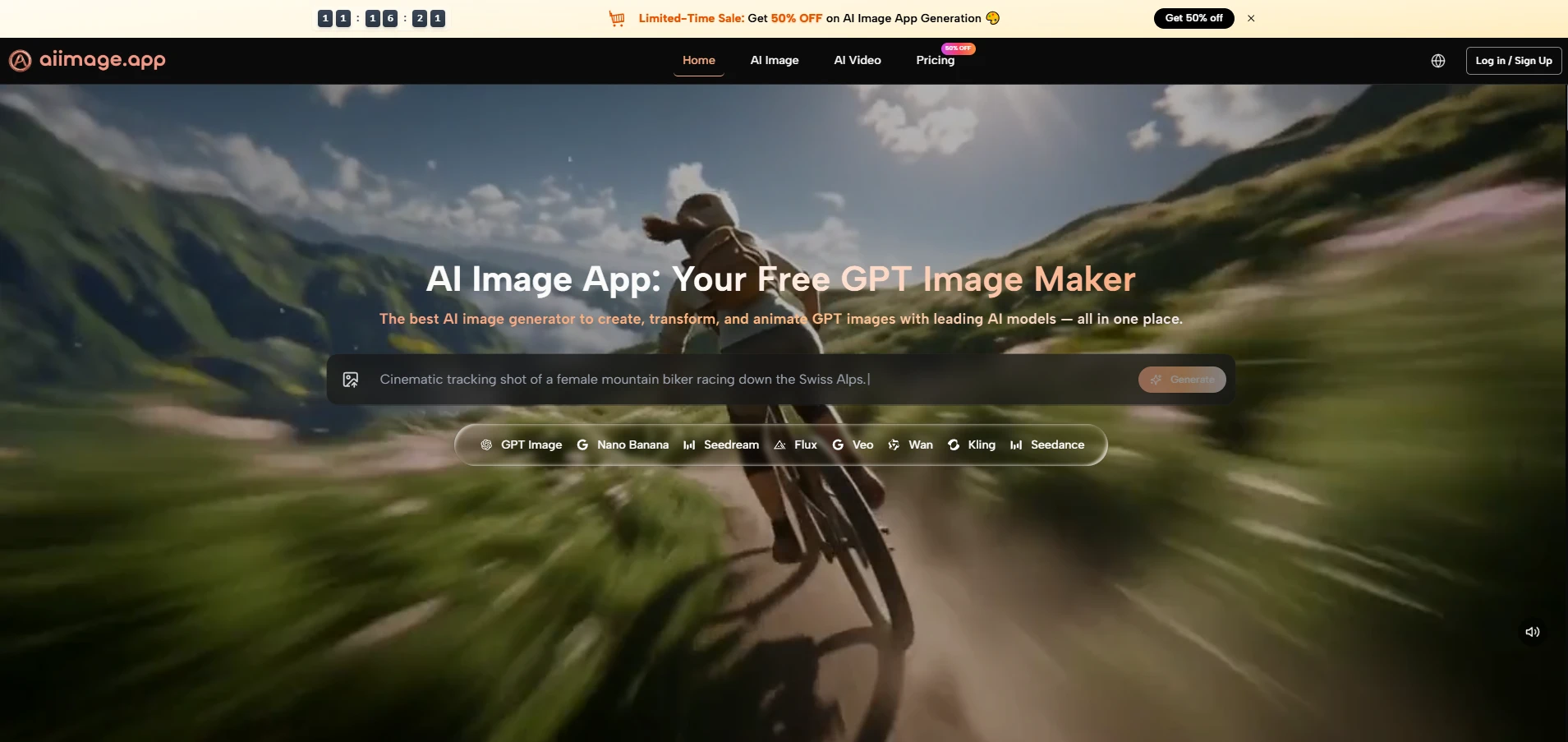
Many image tools look impressive for the first few minutes, but the harder question is whether they can support repeated creative work without making the user feel lost. That is why I see AI Image Maker as worth testing carefully: it presents image generation, photo transformation, model choice, and even image-to-video possibilities inside one clear visual workflow, rather than forcing users to jump between disconnected tools.
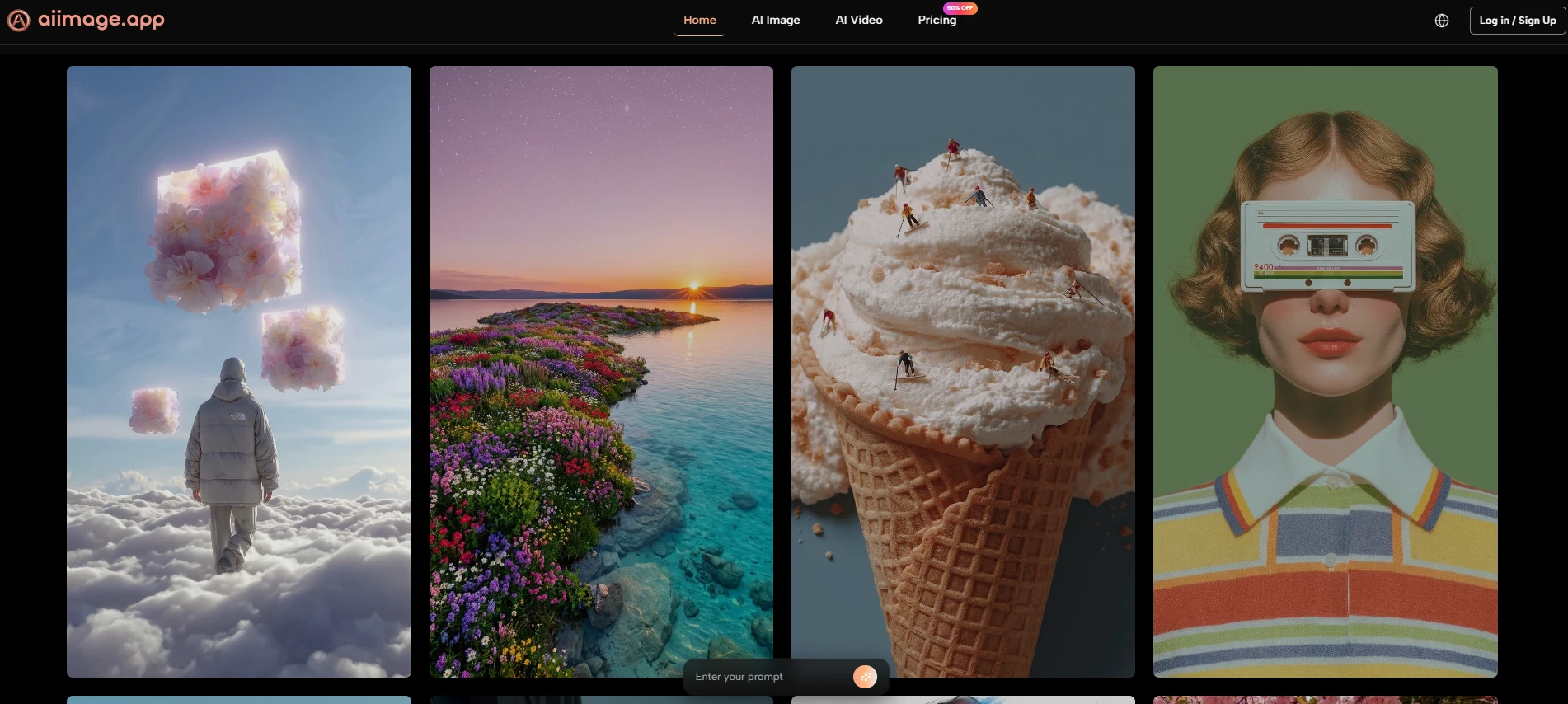
The frustration for many creators is not that AI image generation is weak. The frustration is that it can feel unpredictable. A prompt may produce one good image, then the next attempt may lose structure, lighting, or visual intent. A clean model interface cannot solve every problem, but it can make the process feel less random and more manageable.
This is where GPT Image 2 becomes interesting. The model is positioned around structural accuracy, vivid details, deep text comprehension, dynamic composition, lighting, color, and artistic flexibility. Those claims should not be read as a promise that every image will be perfect. A more realistic interpretation is that the model is designed to handle richer prompts and more demanding visual scenes with better consistency than a basic generator.
In my observation, GPT Image 2 feels most useful when the user wants more than a decorative image. It is better understood as a practical model for people who need controlled visual output: marketers building campaign concepts, creators testing thumbnails, designers exploring mood boards, and small teams needing clean image directions without building a full production pipeline.
GPT Image 2 Matters Because Structure Matters
A beautiful AI image is not always a useful AI image. Usefulness often depends on structure: whether the subject is clear, whether the scene follows the prompt, whether the lighting supports the mood, and whether the image can fit into a real creative purpose.
GPT Image 2 appears especially relevant because it is framed around high-fidelity images and stronger prompt interpretation. That does not mean the user can write a vague sentence and receive a perfect asset. It means the model may reward clearer prompts with more visually coherent results.
Prompt Understanding Becomes The Real Advantage
The strongest advantage of GPT Image 2 is not only that it can make polished pictures. The more important point is that it appears designed to understand nuanced text instructions and turn them into image structure.
When a user describes a layered scene, a specific brand mood, or a multi-element composition, weak generators often flatten the idea into a generic image. In my testing mindset, GPT Image 2 is most valuable when the prompt includes enough detail to guide composition, texture, lighting, and visual hierarchy.
Clear Prompts Still Decide Final Quality
The model can support better output, but it does not remove the need for human direction. A vague prompt may still create a vague result, and a complex image may require several generations.
This is not a failure of the model. It is simply how current AI image workflows behave. Better tools make revision easier, but they do not replace creative judgment.
Visual Detail Feels More Production-Oriented
GPT Image 2 is also positioned around vivid details and high-resolution output. This matters because many users do not only want images that look interesting in a small preview. They want images that can survive closer inspection.
For social media, blog covers, concept boards, and marketing drafts, detail quality can determine whether an image feels usable or disposable. In my experience with this category, the best image tools are not always the most surprising. They are the ones that produce fewer unusable outputs during repeated attempts.
Detail Helps Images Feel Less Generic
A generic AI image often fails because everything looks polished in the same way. Stronger detail gives the image more personality. It can make fabric, lighting, facial expression, objects, and background elements feel more intentional.
That is where GPT Image 2 has meaningful potential for everyday visual creation.
How The Official Workflow Works
The official workflow is refreshingly simple. It does not require a technical pipeline or hidden setup process. The platform describes a direct path: type a prompt, choose a model, and generate a high-resolution image. For users who need more control, the platform also supports reference images and photo transformation.
Step 1. Write A Clear Image Prompt
The first step is to describe the image you want. This is where the user defines the subject, style, mood, lighting, and any important visual details.
Specific Instructions Improve The Starting Point
A strong prompt gives GPT Image 2 more direction. For example, a prompt that describes subject, camera angle, color palette, background, and emotional tone will usually be more useful than a short generic sentence.
The model may be powerful, but the prompt still acts like the creative brief.
Step 2. Select GPT Image 2 As Model
The second step is choosing the model. On AI Image App, GPT Image 2 is one of the available image models, alongside other options such as GPT-4o, Nano Banana 2, Seedream, and Flux.
Model Choice Shapes The Output Style
Choosing GPT Image 2 makes sense when the user wants a strong general image generator with attention to structure, detail, and prompt interpretation. Other models may suit speed, editing, or different visual styles.
The value of the platform is that model choice is part of the workflow, not a separate technical burden.
Step 3. Generate And Compare Outputs
The third step is to generate the image and compare results when needed. The platform supports running the same prompt through different models, which can help users identify which interpretation works best.
Comparison Makes Creative Decisions Easier
This is useful because no model is best for every prompt. A comparison workflow lets the user evaluate image quality, composition, and style direction before committing to one result.
Instead of guessing, the user can judge visually.
Step 4. Refine The Prompt And Regenerate
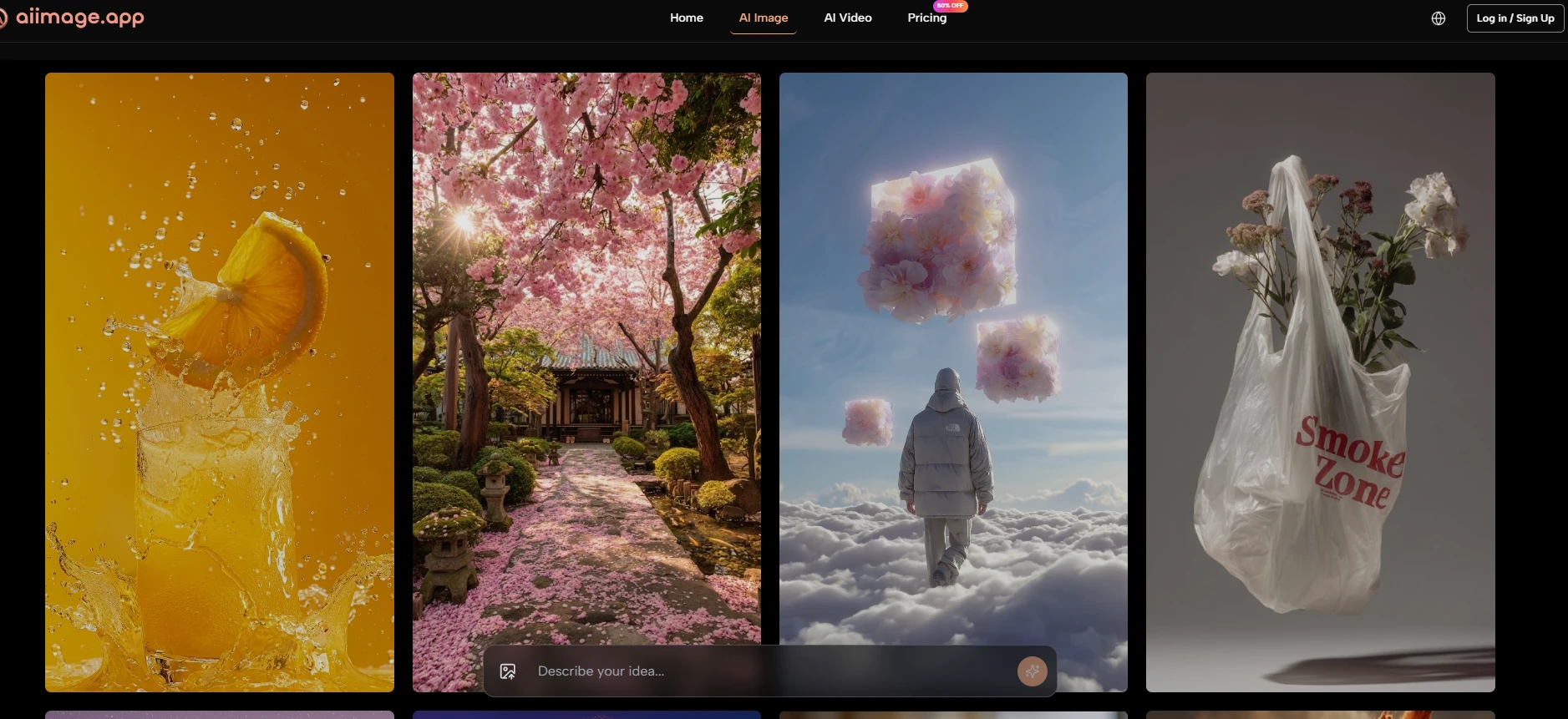
The final step is iteration. Users can adjust the prompt, try another model, or generate more variations until the result feels closer to the intended direction.
Revision Is Where Practical Value Appears
Most strong AI images are not finished in one attempt. The ability to refine quickly is what turns an image model from a novelty into a real creative assistant.
GPT Image 2 becomes more useful when users treat generation as a guided cycle rather than a one-click miracle.
Where GPT Image 2 Shows Practical Strength
The model’s biggest strength is that it fits into a practical visual workflow. It is not only about making an attractive image. It is about making an image that responds to a creative brief.
This makes it useful for people who need visual assets but do not want to manage a complicated design stack. A creator can begin with a written idea, generate a draft, compare results, and then refine direction inside the same environment.
| Creative Need | Why GPT Image 2 Helps | Practical Benefit |
| Campaign concepts | Stronger prompt interpretation | Faster visual direction testing |
| Blog and article covers | High-fidelity image output | More polished first drafts |
| Social content | Flexible style generation | Easier creative variation |
| Product mood boards | Clearer visual structure | Better early-stage planning |
| Brand visuals | More controlled composition | Less random-looking output |
This table does not mean the model guarantees final commercial artwork every time. It means the workflow can reduce the distance between an idea and a usable visual draft.
Why It Feels Stronger Than Basic Generators
Basic generators often work best when the user accepts whatever appears. GPT Image 2 feels more interesting because it encourages a more intentional relationship with prompting.
The user can describe structure, mood, and composition with greater confidence. When the output misses, the path to revision still feels understandable.
Control Matters More Than Surprise
Surprise is fun, but control is what makes a tool valuable. A creator needs to shape the result, not simply admire it.
GPT Image 2’s potential is strongest when it helps users move from surprise toward direction.
Comparison With Other Image Workflows
Different AI image tools serve different users. Some are built for artistic drama. Some are built for casual edits. Some are built for speed. AI Image App’s advantage is that it places GPT Image 2 inside a broader model environment.
That wider environment matters because users rarely have only one visual task. A platform that lets them shift between image generation, transformation, and model comparison can feel more useful than a single-purpose generator.
| Platform Type | Common Strength | Common Weakness | AI Image App Difference |
| Single-model tools | Clear identity | Less flexible workflow | Multiple models in one place |
| Heavy creative suites | Many controls | More learning friction | Simpler generation path |
| Casual image editors | Easy for beginners | Lower model depth | Stronger AI model variety |
| Prompt-only generators | Fast exploration | Limited revision structure | Prompt, model, compare, refine |
| Visual effect apps | Fun results | Narrow use cases | Broader creation workflow |
The comparison suggests that the platform’s strength is not only GPT Image 2 itself, but the way GPT Image 2 is placed inside a practical working system.
Why Multi-Model Access Matters
Multi-model access gives users more ways to solve visual problems. If one model interprets a prompt too literally, another may produce a better mood. If one output is too slow for exploration, a faster model may help with early drafts.
GPT Image 2 benefits from this context because it becomes part of a larger creative decision process.
A Better Workflow Reduces Creative Friction
Creative friction often comes from switching tools, rebuilding prompts, or losing context. When multiple options are available in one place, users can continue the same creative thread more easily.
That is a quiet but important product advantage.
Limitations Worth Saying Clearly
GPT Image 2 is powerful, but it is not effortless magic. Results may vary depending on prompt quality, subject complexity, and the user’s expectations. Some images may need multiple generations before they feel usable.
The model may also require careful prompting for exact layouts, precise text placement, or scenes with many small details. These are common limitations in AI image generation, and they should be acknowledged honestly.
Why Imperfection Does Not Remove Value
A model does not need to be perfect to be useful. It needs to help users move from idea to draft faster, then support revision without excessive friction.
In that sense, GPT Image 2’s value is practical. It gives users a stronger starting point and a clearer path toward refinement.
The Best Results Come From Iteration
Users should expect to test, compare, and adjust. This is not a weakness of the workflow. It is the workflow.
The most realistic way to use GPT Image 2 is to treat it as a visual collaborator that responds better when the brief becomes clearer.
Why GPT Image 2 Deserves Attention
GPT Image 2 deserves attention because it points toward a more useful version of AI image creation. Instead of treating image generation as a one-time trick, it supports a more thoughtful process: describe, generate, compare, refine, and repeat.
AI Image App makes that process easier to understand by placing GPT Image 2 inside a broader platform with multiple models and related creative tools. The result is not a guarantee of perfect output, but it is a credible environment for exploring visual ideas with less friction.
For creators who need daily visual support, that may be more important than any single spectacular demo. The model’s real value is not only in what it can generate, but in how naturally it can fit into a repeatable creative workflow.