
When Google unveiled Veo 3 earlier this year, the reaction from the creative community was immediate — and immediately frustrated. The model’s ability to generate video with synchronized native audio felt like a genuine leap, but access was gated, pricing was unclear, and most workflows required developer-level setup. That gap between “impressive demo” and “something I can actually use today” is exactly where Veo 3 has carved its niche: a browser-based platform that puts multiple frontier video models, including Veo 3, behind a clean interface with a free entry point and no installation required.
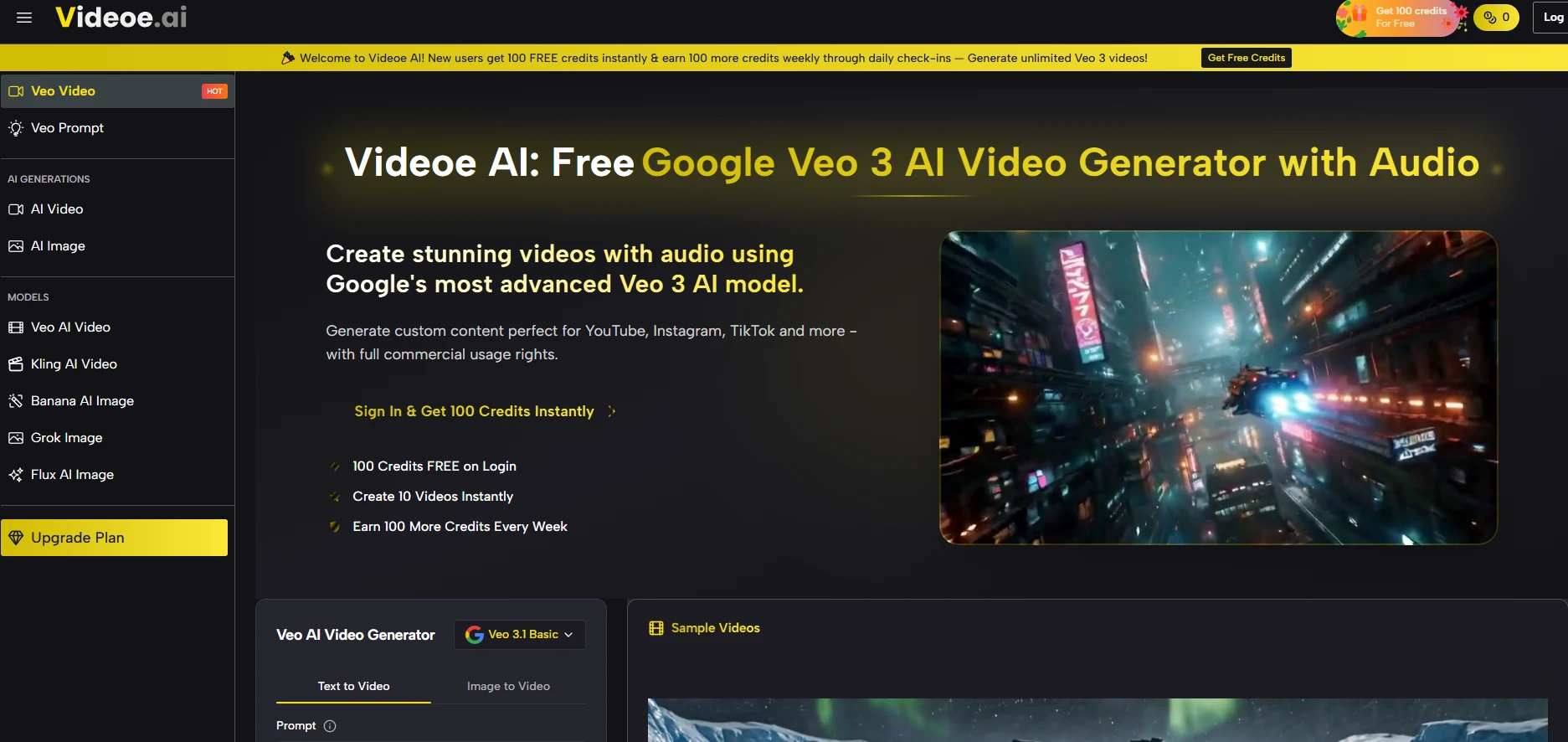
The question worth asking isn’t whether the technology is powerful — it clearly is. The question is whether the platform makes that power usable without a steep learning curve, and whether the results hold up across real creative tasks. After spending time with the interface and understanding how it’s structured, here’s what actually matters for anyone considering it.
How the Platform Organizes a Crowded Model Landscape
One of the more practical decisions the platform makes is aggregating models instead of betting everything on one. In my testing, the model menu alone tells a story: Google Veo 3 Basic and Premium, Veo 3.1 variants, Kling 3.0 and 2.5, Seedance 2.0 and its fast variant, Runway Gen4, Wan 2.6 — all accessible from the same interface without switching tabs, accounts, or API keys.
What That Model Breadth Actually Means in Practice
For a solo creator or small team, this matters more than it might seem. Different models have different strengths — some handle motion physics better, others are more consistent with facial subjects, others generate faster for iteration. Having them in one place means you’re not locked into a single model’s quirks.
Veo 3’s Native Audio Advantage
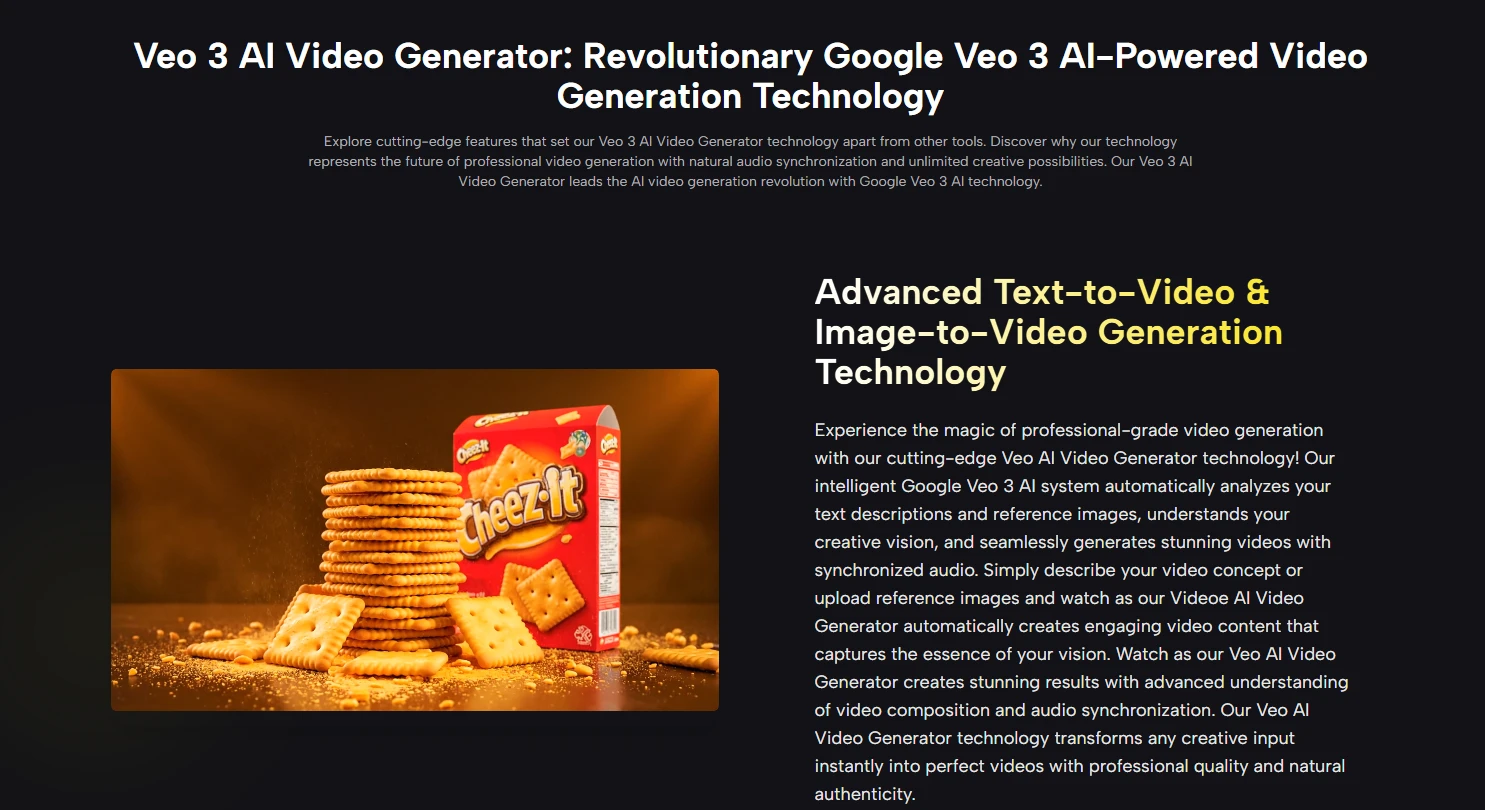
The detail that separates Veo 3 from most competitors is audio generation. Not background music added in post, but audio synthesized as part of the generation process — ambient sound, voice-like elements, environmental texture. The result isn’t always perfect, and the platform itself doesn’t oversell it, but from a practical user perspective, receiving a video that already has a sonic layer changes the editing workflow meaningfully. You’re not starting from silence.
Image Models Running Alongside Video
The platform also includes image generation — Flux Kontext Pro and Max, GPT-4o image, Seedream 4.0 and 5.0 Lite, Qwen Image Edit, among others. This isn’t just feature padding. For creators who work in a text-to-image-to-video pipeline, having both sides of that workflow in one place reduces friction. Whether the image-to-video handoff feels seamless depends on prompt quality and model choice, but the option being there is genuinely useful.
Getting Started Without Technical Overhead
The platform is designed to be entered quickly. New accounts receive 100 credits on signup, with an additional 100 credits available through weekly daily check-ins. At 24 credits per video generation, that’s a real — if limited — free tier for testing.
Step 1: Write Your Prompt or Upload a Reference Image
Prompting for Specific Visual Outcomes
The text field is the primary creative input. You describe what you want — scene, motion, mood, subject behavior — and the model interprets it. Prompt quality has an outsized effect on output quality here. Vague descriptions produce generic results; specific descriptions of camera angle, subject action, and environmental context produce more usable footage. The platform doesn’t guide you through prompting, so there’s a learning curve if you haven’t worked with video generation before.
Step 2: Select a Model and Aspect Ratio
Matching Model to Use Case
Before generating, you choose which model handles the task and whether the output should be 16:9 (landscape) or 9:16 (vertical, suited for short-form social content). The model list is visible and labeled, so Veo AI isn’t hiding which engine is running. This transparency helps when you’re trying to understand why one generation succeeded and another didn’t.
Step 3: Generate and Evaluate
Managing Expectations Around Consistency
Output appears after processing. Complex scenes — multiple moving subjects, precise text overlay, intricate physical interactions — may require multiple attempts before the result is usable. The platform doesn’t guarantee consistency between generations, and in practice, results vary. Lighting, motion smoothness, and subject coherence can shift between otherwise identical prompts. Treating each generation as a draft rather than a final product keeps the workflow productive.
Platform Comparison Across Key Creator Considerations
| Dimension | Videoe AI | Single-Model Platforms | API-Only Access |
| Model variety | Multiple top-tier options | One model per platform | Depends on integration |
| Entry cost | Free tier with credits | Often paid from day one | Requires API billing setup |
| Audio included | Yes (Veo 3) | Rarely | Model-dependent |
| Setup required | None, browser-based | Usually none | Developer setup needed |
| Prompt guidance | Minimal | Varies | None |
| Output consistency | Variable, as expected | Variable | Variable |
| Learning cost | Low to moderate | Low to moderate | High |
Where the Real Limitations Live
Honest evaluation means naming what doesn’t work smoothly. The free credit volume is enough for testing but not for production volume — if you’re generating content regularly, the math points toward a paid plan quickly. The prompting interface doesn’t offer much scaffolding, which means creators new to text-to-video may spend more credits on misses before finding a working prompt style. Complex physical simulations — water, crowd movement, precise object interactions — remain technically difficult across all models, and this platform doesn’t resolve that underlying challenge. Output quality is not guaranteed to be consistent run-to-run, and the platform is upfront about that implicitly through its structure.
The credit system also means there’s a real cost to experimentation. At 24 credits per generation, a session of prompt refinement can move through a credit balance quickly.
Who This Setup Actually Serves Well
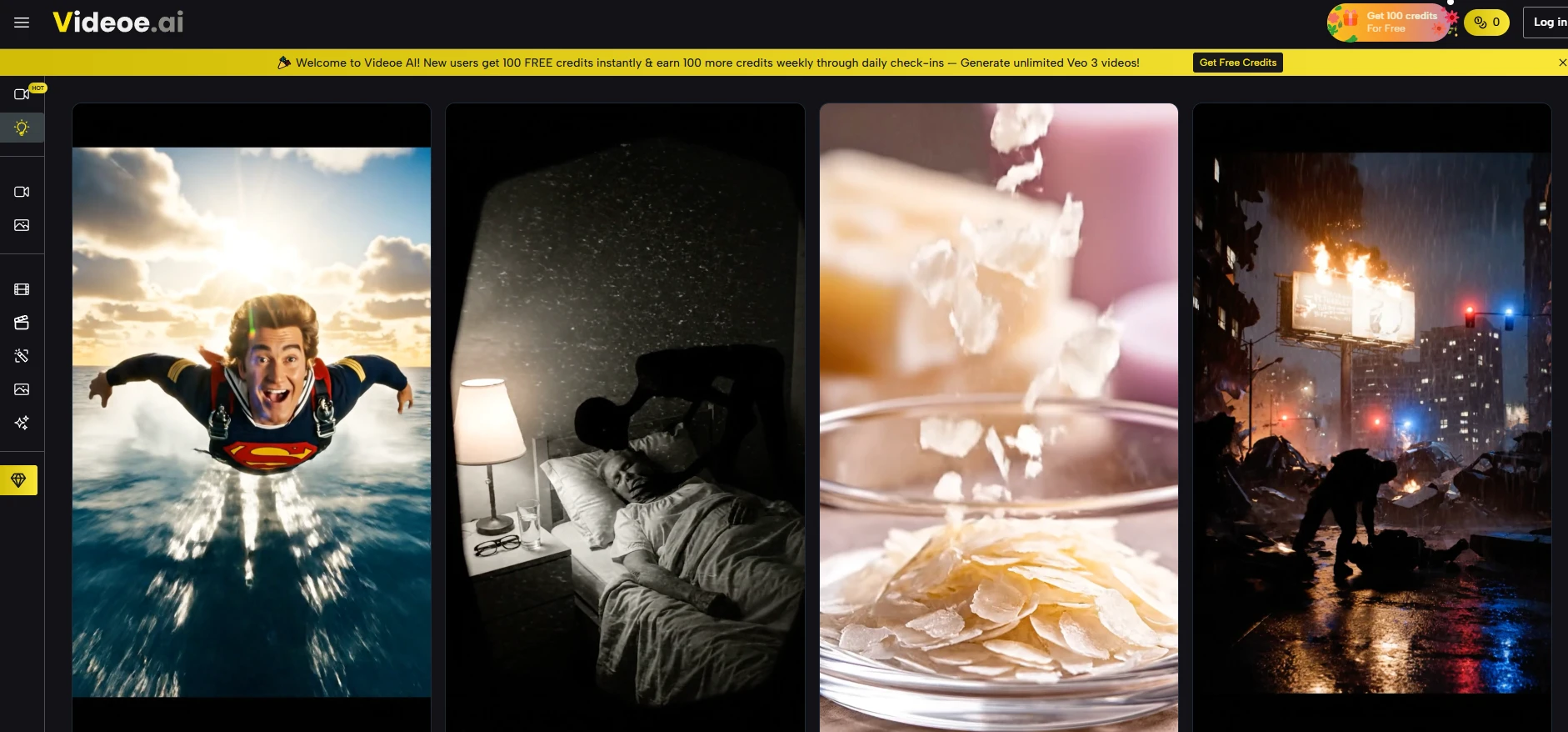
For marketers producing social video at volume, the multi-model access and vertical format output make practical sense. For educators or presenters building explainer content, the low setup cost and browser-based access lower the barrier meaningfully. For indie creators who want to test Veo 3 without committing to an enterprise contract or developer workflow, the free tier is a genuine on-ramp.
It’s less suited to creators who need frame-level precision, guaranteed consistency across a series, or deep customization of generation parameters. For those use cases, the platform’s generalist approach becomes a constraint rather than a feature.
The clearest signal of whether this platform fits your workflow: run three or four generations with real prompts from an actual project. The credit cost is low enough that the test is worth doing before forming a strong opinion either way.