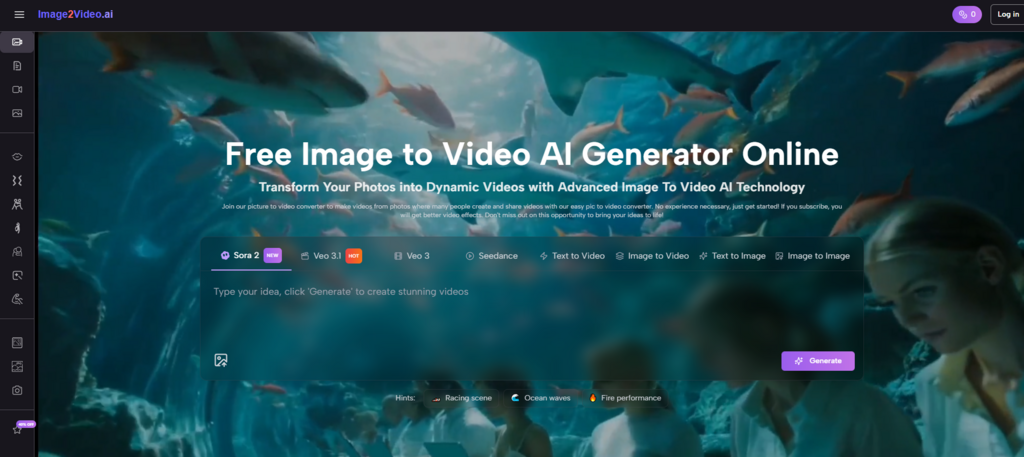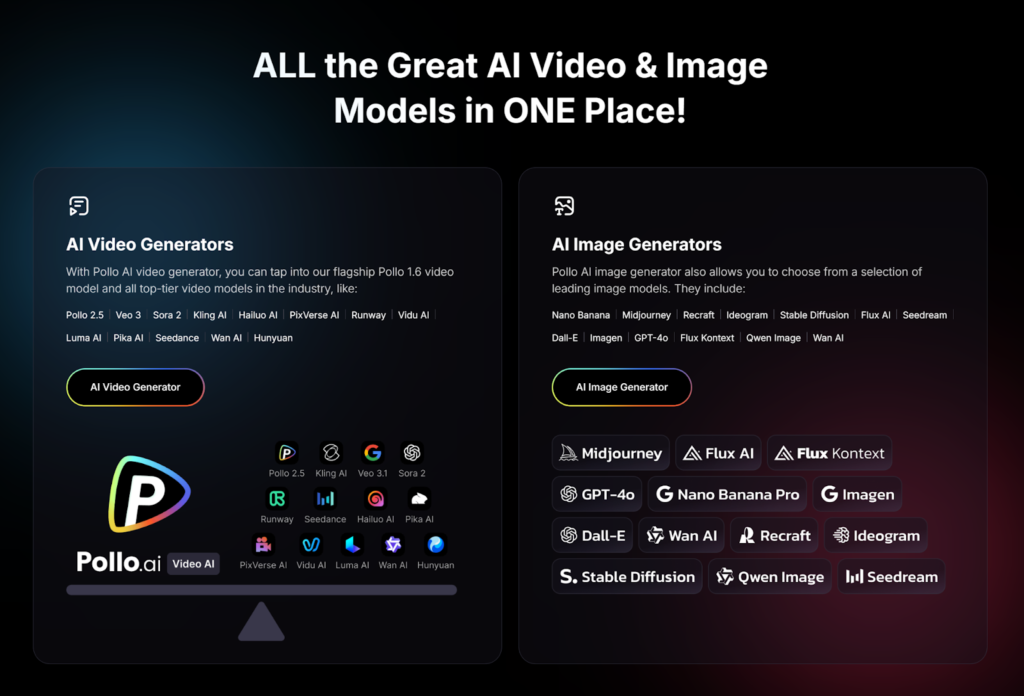
So you’ve heard about Pollo AI—the all-in-one AI agency that’s taking the creative world by storm in 2026. With over 20 million registered users and access to top models like Sora 2, Google Veo 3.1, and Kling AI, it’s clearly doing something right. But if you’re new to AI video generation, you might be wondering: where do I even start?
Pollo AI is designed for beginners. No technical skills required, no complex editing timelines, no professional filming equipment. Just your ideas and a few clicks.
Step 1: Getting Started with Pollo AI
Get An Account
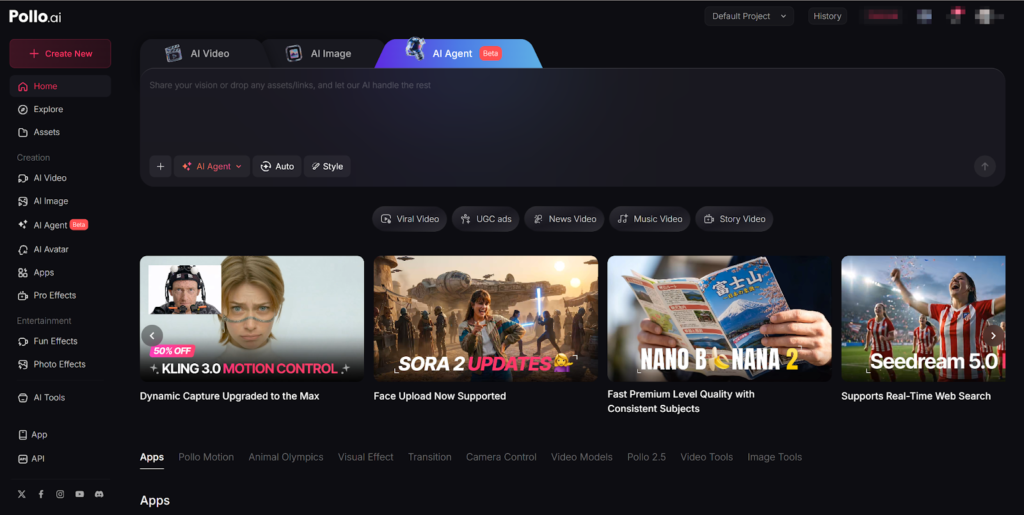
First, head to the Pollo AI website. The platform works on any browser—Windows, Mac, or even your tablet. You have two options:
- Sign up with email (takes about 30 seconds)
- Log in with Google for instant access
Once you’re in, you’ll land on the main dashboard. Don’t let the options overwhelm you—the interface is clean and intuitive, with clear sections for different creation tools .
Understanding Your Free Credits
New users automatically receive 10 free credits on the Free Plan . Think of credits as your “video tokens”—one credit typically generates one short video (around 5 seconds), though higher-quality models may consume more . The free version includes a watermark, but it’s perfect for experimenting before committing to a paid plan .
Step 2: Choosing Your Creation Path
Pollo AI offers several ways to create videos. As a beginner, focus on these three main options:
Option A: Text to Video
This is where most newcomers start. You simply describe what you want to see, and Pollo AI generates it .
How to do it:
- From the dashboard, click on the “AI Video” tab and select “Text to Video”
- In the prompt box, describe your scene. Be specific but don’t overthink it—simple works
- Example: “A quiet street in a futuristic city at night, neon signs reflecting in puddles, a car driving past slowly”
- Choose your aspect ratio:
- 9:16 for TikTok, Instagram Reels, and YouTube Shorts
- 16:9 for YouTube and widescreen content
- Select duration (usually 4-8 seconds for social media)
- Click “Generate” and wait about 30-60 seconds
Option B: Image to Video
Have a photo you want to bring to life? This feature adds motion to your existing images.
How to do it:
- Select “Image to Video” from the dashboard
- Upload your photo (a product shot, a landscape, a portrait—anything)
- Write a prompt describing the motion you want
- Example: “A person standing on a mountain ridge; wind moves their jacket and hair, clouds drift slowly in background, cinematic feel”
- Adjust settings and generate
This is perfect for creating product videos for Facebook ads or turning family photos into animated memories.
Option C: Pollo AI Agent
Need animated text, charts, or presentations? Pollo AI agent is your friend.
How to do it:
- Navigate to the “AI Agent” page
- Input a detailed prompt describing your graphic
- Include text, colors, styles, and motion directives like “spring/bounce” or “ease-in/ease-out”
- Optionally paste a reference URL if you have an example style in mind
- Click “Generate” and download your animated graphic
This is fantastic for making YouTube outros with kinetic typography or explainer videos with animated charts.
Step 3: Exploring Advanced Beginner Features
Once you’ve made your first video, try these beginner-friendly advanced tools:
Viral Effects and Memes
Want to create a video meme that might go viral? Pollo AI’s effects library is pure fun .
- Upload a photo of yourself, a friend, or even your pet
- Browse the Effects library for presets like:
- “AI Hug” – Insert yourself into a hug scene
- “Squeeze,” “Inflate,” or “Melt” – Watch your subject transform comically
- “Santa Transformation” – Perfect for holiday content
- Apply with one click and generate
These effects are pre-optimized with camera movement, lighting, and color grading—you just provide the subject.
Multilingual Videos with AI Avatars
For Facebook videos targeting international audiences, this feature is gold .
- Upload a photo or select an avatar from the library
- Input your script (what you want the avatar to say)
- Choose from 20+ languages with native pronunciation
- Select voice gender, age, and speech rate
- Generate and download your localized video
The AI handles accent patterns and conversational flow—not robotic translation . Perfect for global marketing without hiring voice actors.
Step 4: Refining Your Results
Sometimes the first generation isn’t perfect. Here’s how to improve:
Adjust Your Prompt
If the video isn’t what you expected, tweak your prompt and try again. Add more descriptive words, specify camera angles, or mention lighting.
Try Different Models
Pollo AI’s superpower is access to multiple engines . If a prompt doesn’t work well with one model, switch to another:
- Sora 2 for cinematic storytelling
- Kling AI for realistic human motion
- Veo 3.1 for native audio generation
The model selector is right there in the dashboard—experiment freely .
Beginner Tips for Best Results
Start Simple
Don’t try to generate complex multi-scene narratives on your first day. Begin with single-shot, 5-second videos to understand how different prompts behave .
Use Templates for Inspiration
Pollo AI includes a library of trending templates based on what’s performing well on social media . These give you a head start with pre-set styles.
Experiment with Free Credits First
Your 10 free credits are perfect for testing different models and styles before deciding on a paid plan .
Save Your Favorite Prompts
When you find a prompt that works well, save it. Building a library of effective prompts saves time on future projects.
Final Thoughts
Pollo AI genuinely delivers on its promise of making video creation accessible to everyone. Whether you’re crafting YouTube outros, Instagram videos, or hilarious video memes, the platform guides you through every step without requiring technical expertise.
The best way to learn? Just start creating. Your first video might not be perfect, but with each generation, you’ll understand more about what works. And with 10 free credits waiting for you, there’s no risk in diving in.